
Published 3 years ago by Pouya Saadeghi
How to install daisyUI and Tailwind CSS in Next.js 14
In this article, we will learn how to use daisyUI component library in Next.js.
Next.js is currently one of the popular JavaScript meta frameworks for building web applications. Since we can use daisyUI in any JavaScript framework, we can also use it in Next.js.
Installing Next.js is pretty straightforward. It also includes Tailwind CSS by default. After installing Next.js, we can install daisyUI as a plugin and start using it in our Next.js project.
Installing Next.js
- Let's start by creating a new Next.js project. You can use the following command to create a new Next.js project:
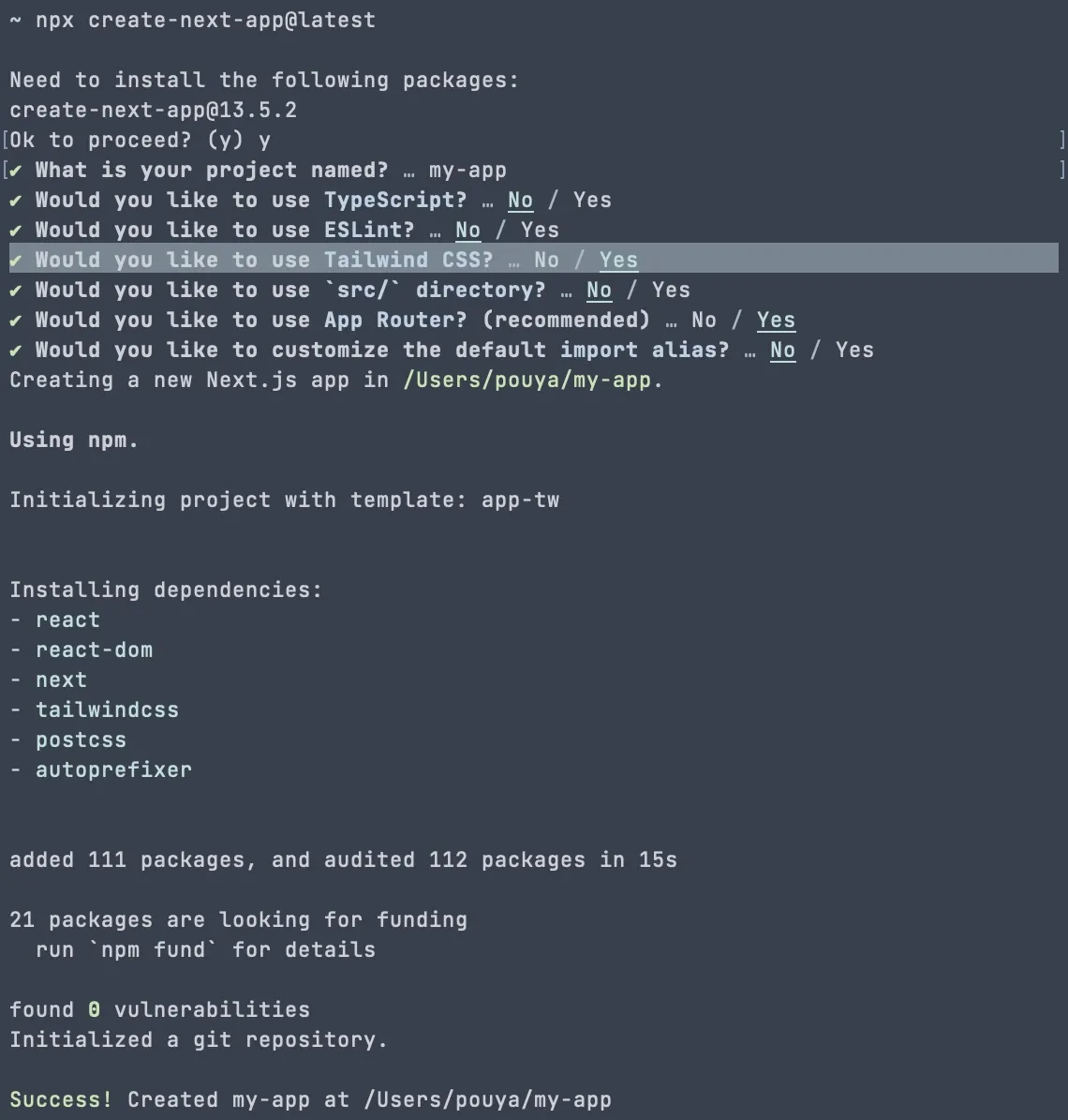
npx create-next-app@latest- Answer the questions to complete the project creation process.
Make sure to enable
Tailwind CSSwhen asked about it:
Go to the project directory. If you named it my-app:
cd my-appInstalling daisyUI
- Now install the latest version of daisyUI as a dev dependency:
npm i -D daisyui@latest- Open
tailwind.config.tsfile Add daisyUI as a plugin:
import type { Config } from 'tailwindcss'
+ import daisyui from 'daisyui'
const config: Config = {
  content: [
    './pages/**/*.{js,ts,jsx,tsx,mdx}',
    './components/**/*.{js,ts,jsx,tsx,mdx}',
    './app/**/*.{js,ts,jsx,tsx,mdx}',
  ],
  theme: {
    extend: {
      backgroundImage: {
        'gradient-radial': 'radial-gradient(var(--tw-gradient-stops))',
        'gradient-conic':
          'conic-gradient(from 180deg at 50% 50%, var(--tw-gradient-stops))',
      },
    },
  },
- plugins: [],
+ plugins: [daisyui],
}
export default config
Using daisyUI
- Open
/app/page.tsxfile Replace the content with:
export default function Home() {
  return (
    <>
      <button className="btn btn-primary">Hello daisyUI!</button>
    </>
  )
}
Ready to go!
- Run the project using:
npm run devAnd open http://localhost:3000/ to see a button with daisyUI styles.
You can now use any daisyUI component or any Tailwind CSS utility class in your Next.js project.
- Extra: You can also remove the default Next.js styles from
app/globals.css, to have a clean start. Only keep the following line:
@tailwind base;
@tailwind components;
@tailwind utilities;
Tags: Frameworks